Table of Contents

Password Tools

WebRequest

ASRTRequest

HCIS KayBee

Helpful Links

Self Help Tools

Purchasing

Going Green


HCIS Help Desk
BT 1000
200 Hawkins Dr.
Iowa City, IA 52242
319-356-0001
319-353-7776 (Fax)

helpdesk-hcis@uiowa.edu

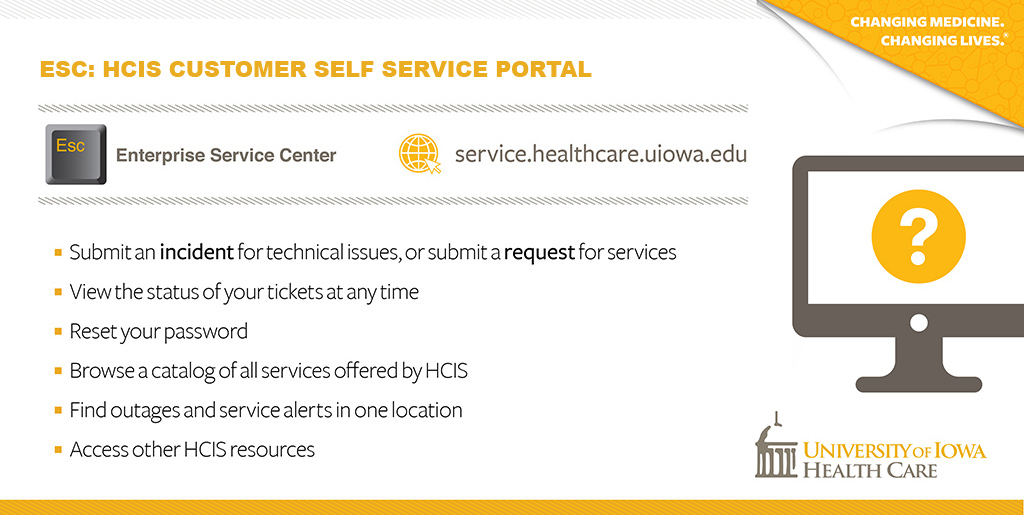
HCIS Help Desk Self Service

Welcome to the University of Iowa Health Care Information Systems self service support portal. This site is a central and comprehensive web-based solutions resource for our customers. The goal is to empower our customers so they can get timely resolution to their problems.

WebRequest (Computer & Accounts support) and ASRTRequest (Application & Development) are online tools for submitting requests for service.

Visit Password Tools to change your HealthCareID password or change your HawkID password and learn more about the new HawkID 2.0 Project.

Check out the HCIS Knowledge Base (HCIS KayBee) for searchable solutions to most common problems.

You can also reach us 24 hours a day at helpdesk-hcis@uiowa.edu, or by calling (319) 356-0001. When you call, please:

  • Provide ID of device you are having issues with (computer or printer), your name, phone number, department name, and campus location (building and room number).
  • Describe the problem clearly and in as much detail as possible.
  • Describe the severity of the problem, i.e., how many users are being affected?

Although we strive to resolve all issues as quickly as possible, you can help ensure quality service by accurately prioritizing your request.

  • Low: general information, software installation, configuration, or maintenance.
  • Medium: noticeable problems but can still perform most duties, hardware issues.
  • High: noticeable problems which impact operations and/or instruction.
  • Highest: system wide outages causing major impact to critical business operations and instruction.

If a problem you've reported becomes increasingly urgent or has not been handled in a timely manner, you can initiate the escalation process by contacting Help Desk Supervisors